FAQ System
Module Not Currently Installed
As of the 2026-04-12 module audit, sr_faq is NOT installed in production (sr_live_jan19_backup on EXP). The module exists on disk, has zero sr_ dependencies, and is ready to install — but the /faq page described below is not currently live on scottrecycling.com.
The module audit flagged this as an "install now" candidate — zero dependencies, low risk, website gap closer — but it requires Dan's explicit go-ahead before deploying to production.
Do not rely on this page as operational documentation until the install decision is made. The features below describe what the code does.
See the developer changelog 2026-04-12 entry for full context.
Overview
The FAQ module powers a searchable FAQ database at scottrecycling.com/faq. FAQs are organized by category with real-time search, view count analytics, Google-friendly FAQPage schema markup, and a "Didn't find your answer?" submission form that creates helpdesk tickets or CRM leads.
Last Updated: February 2026 (content) / April 2026 (status banner added) Target Audience: Marketing, Admins, Customer Service Status: NOT INSTALLED — documentation retained for reference; ready to install when approved
Navigation
FAQ management is accessed through the Odoo backend. The public-facing page is at /faq.
FAQ Categories
Categories organize FAQs into logical groups. Each category has:
| Field | Description | Example |
|---|---|---|
| Name | Category title | "Data Security" |
| Description | Brief explanation of what this category covers | "Questions about data destruction and certifications" |
| Icon | Font Awesome icon class | fa-shield |
| Color | Display color for the category | Blue |
| Sequence | Sort order (lower numbers appear first) | 10 |
| Published Count | Number of published FAQs in this category | 8 |
| Total Count | Total FAQs (published + draft) in this category | 12 |
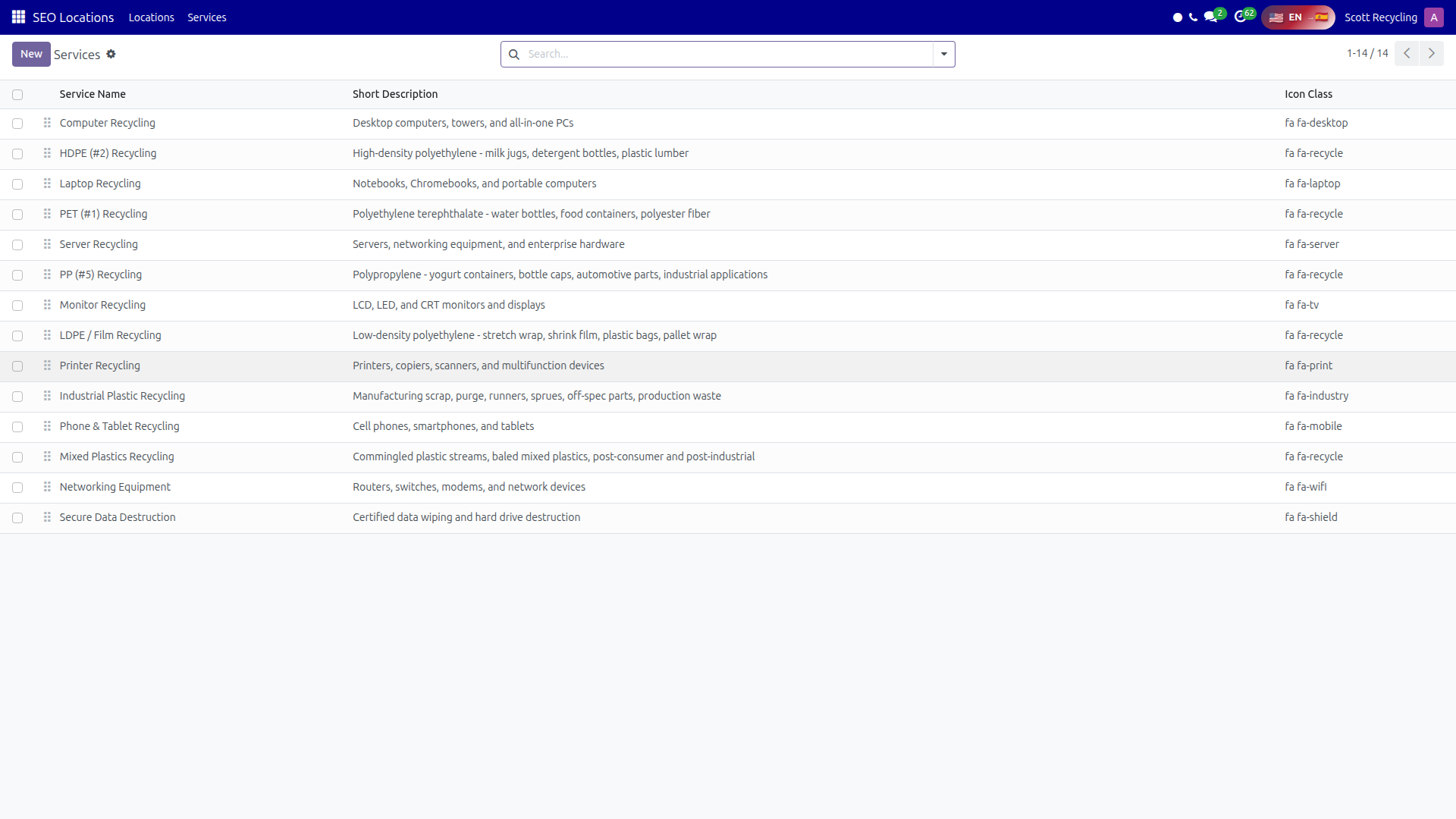 FAQ Categories — organize questions into logical groups with icons and color coding
Default Categories
The system comes pre-configured with five categories:
| Category | Description |
|---|---|
| Getting Started | Basics about Scott Recycling's services and how to get started |
| Pricing & Pickup | Questions about costs, scheduling, and pickup logistics |
| Operations | How materials are processed, timelines, and certifications |
| Data Security | Data destruction procedures, NIST compliance, certificates |
| Products | Questions about items for sale, the online store, and purchasing |
FAQ Items
Each FAQ entry contains:
| Field | Description |
|---|---|
| Question | The question text (displayed as the heading) |
| Answer | HTML-formatted answer with support for rich text, links, and images |
| Category | Which category this FAQ belongs to |
| Published | Toggle to show or hide on the public page |
| Show on Homepage | Toggle to feature this FAQ in the homepage featured section |
| View Count | Number of times this FAQ has been viewed (auto-tracked) |
| Last Viewed | Date this FAQ was last viewed by a visitor |
| Meta Keywords | Keywords for search matching |
| URL Slug | Auto-generated from the question text |
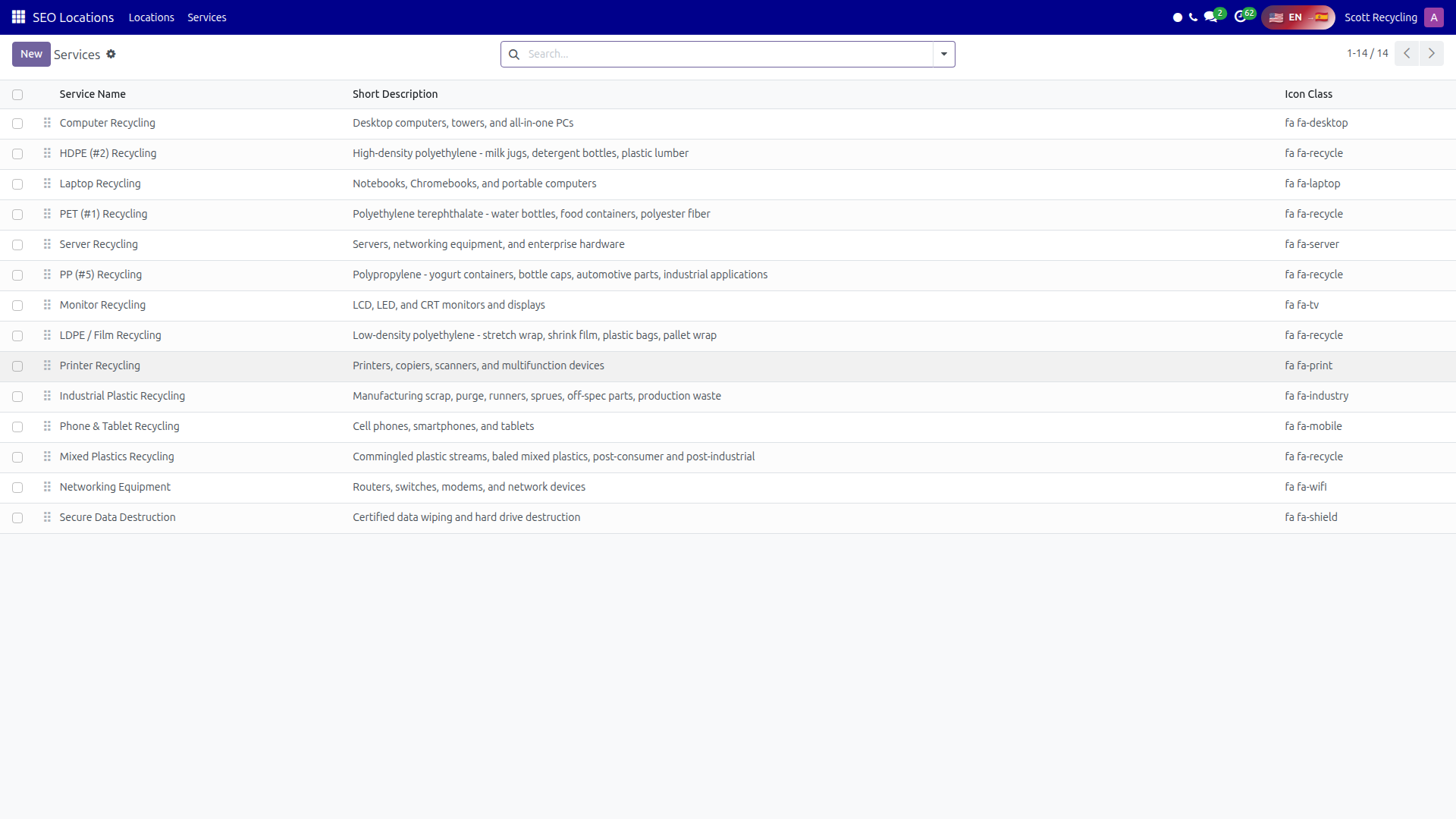 FAQ Items — manage questions, answers, and publication status
Public FAQ Page (/faq)
The public page at /faq includes the following elements:
Search Bar
A search bar at the top lets visitors type keywords. Search results appear in real time via AJAX -- no page reload required. The search endpoint is /faq/api/search.
Category Sidebar
A sidebar lists all published categories with their icons and FAQ counts. Clicking a category filters the FAQ list to show only that category's questions.
Accordion Q&A
FAQs display in an accordion layout -- click a question to expand and show the answer. Only one answer is visible at a time by default.
Popular FAQs
A section highlights the most-viewed FAQs based on view count data.
Featured FAQs
FAQs with show_on_homepage enabled appear in a featured section at the top of the page, giving high visibility to the most important questions.
"Didn't Find Your Answer?" Form
At the bottom of the FAQ page, a submission form lets visitors ask a question that is not covered. The form creates either a helpdesk ticket or a CRM lead, depending on configuration, ensuring every unanswered question is tracked and followed up on.
Kanban View
In the Odoo backend, FAQs can be viewed in a Kanban layout:
- Cards are grouped by category
- Each card shows:
- Question text
- Published or Draft badge
- View count
This view is useful for quickly scanning FAQ coverage across categories and identifying drafts that need to be published.
FAQ Schema Markup
The module auto-generates FAQPage JSON-LD structured data for every published FAQ page. This schema markup tells Google that the page contains FAQ content, enabling rich snippets in search results -- expandable Q&A cards directly in Google search.
No manual configuration is needed. The schema is generated automatically from published FAQ items.
AJAX Search
The real-time search feature uses the /faq/api/search endpoint:
- Visitors type in the search bar and results appear instantly
- Search matches against question text, answer content, and meta keywords
- Results are ranked by relevance
- No page reload is required
Analytics
The FAQ module tracks engagement to help identify common customer concerns:
| Metric | Description |
|---|---|
| View Count | How many times each FAQ has been viewed |
| Last Viewed | When each FAQ was last accessed |
Use view counts to:
- Identify the most common customer questions
- Prioritize which FAQs to keep updated
- Discover topics that may need dedicated documentation or blog posts
Common Tasks
Adding a New FAQ
- Open FAQ management in the Odoo backend
- Click New
- Enter the Question
- Write the Answer using the HTML editor (format with headings, lists, links as needed)
- Select a Category
- Add Meta Keywords for search matching
- Toggle Published to make it visible on the public page
- Save -- the URL slug is auto-generated from the question
Organizing FAQs by Category
- Open the FAQ category list
- Adjust the Sequence number on each category to control sort order
- Lower numbers appear first in the sidebar
- Drag and drop categories to reorder (if using the list view)
Featuring an FAQ on the Homepage
- Open the FAQ item
- Toggle Show on Homepage to on
- Save -- the FAQ now appears in the featured section at the top of the /faq page
Reviewing Analytics
- Open the FAQ list in the Odoo backend
- Sort by View Count (descending) to see the most popular questions
- Check Last Viewed dates to identify stale FAQs that may need updating
- FAQs with zero views may need better keywords or may no longer be relevant
Tips
Keep answers concise
Visitors scan FAQs quickly. Lead with the direct answer, then add details. Use bullet points and short paragraphs for readability.
Use HTML formatting for clarity
The answer field supports full HTML. Use bold text for key terms, numbered lists for processes, and links to other pages for more detail.
Feature your top questions on the homepage
Enable show_on_homepage for your 3-5 most common questions so visitors find answers immediately without scrolling.
Monitor view counts to spot trends
A sudden spike in views on a specific FAQ may indicate a new customer concern or a change in services that needs attention.
Questions? Contact your supervisor or refer to the Getting Started guide.