AI & Automation
Overview
Scott Recycling's AI platform is built on the scott_ai module, which provides centralized AI infrastructure for all AI-powered features. The platform manages provider connections, tracks usage and costs across every API call, and stores reusable prompt templates that power content generation, phone conversations, and chat interactions.
Three AI-powered features sit on top of this foundation: the AI Phone System (Sam handles incoming calls), the Website Chat (Sam assists website visitors), and AI Content Generation (automated social media post drafting).
Last Updated: February 2026 Target Audience: Managers, Admins
AI-Powered Features
| Feature | Description | Module | Audience |
|---|---|---|---|
| AI Phone System | AI assistant "Sam" answers incoming calls, identifies callers, detects intent, extracts data, creates pickup requests, and transfers to human agents | scott_ai_csr |
CSR Managers, Admins |
| Website Chat | Floating chat widget on scottrecycling.com where "Sam" helps visitors schedule pickups, learn about materials, and leave messages | sr_website_chat |
Admins, Website Managers |
| Social Media Management | 8-platform social media scheduler with AI content generation, approval workflows, unified analytics, and multi-location support | sr_social_media |
Marketing, Managers |
AI Providers
The scott_ai module manages connections to external AI services. Providers are pre-configured and shared across all AI features.
| Provider | Service | Used For |
|---|---|---|
| Anthropic Claude | Large Language Model (default) | Conversation, content generation, intent detection, data extraction |
| Deepgram | Speech-to-Text | Transcribing incoming phone calls in real time |
| Deepgram | Text-to-Speech | Generating Sam's spoken responses on phone calls |
Provider settings are managed under Configuration > AI Providers. Each provider record stores the API key, base URL, default model, and active status.
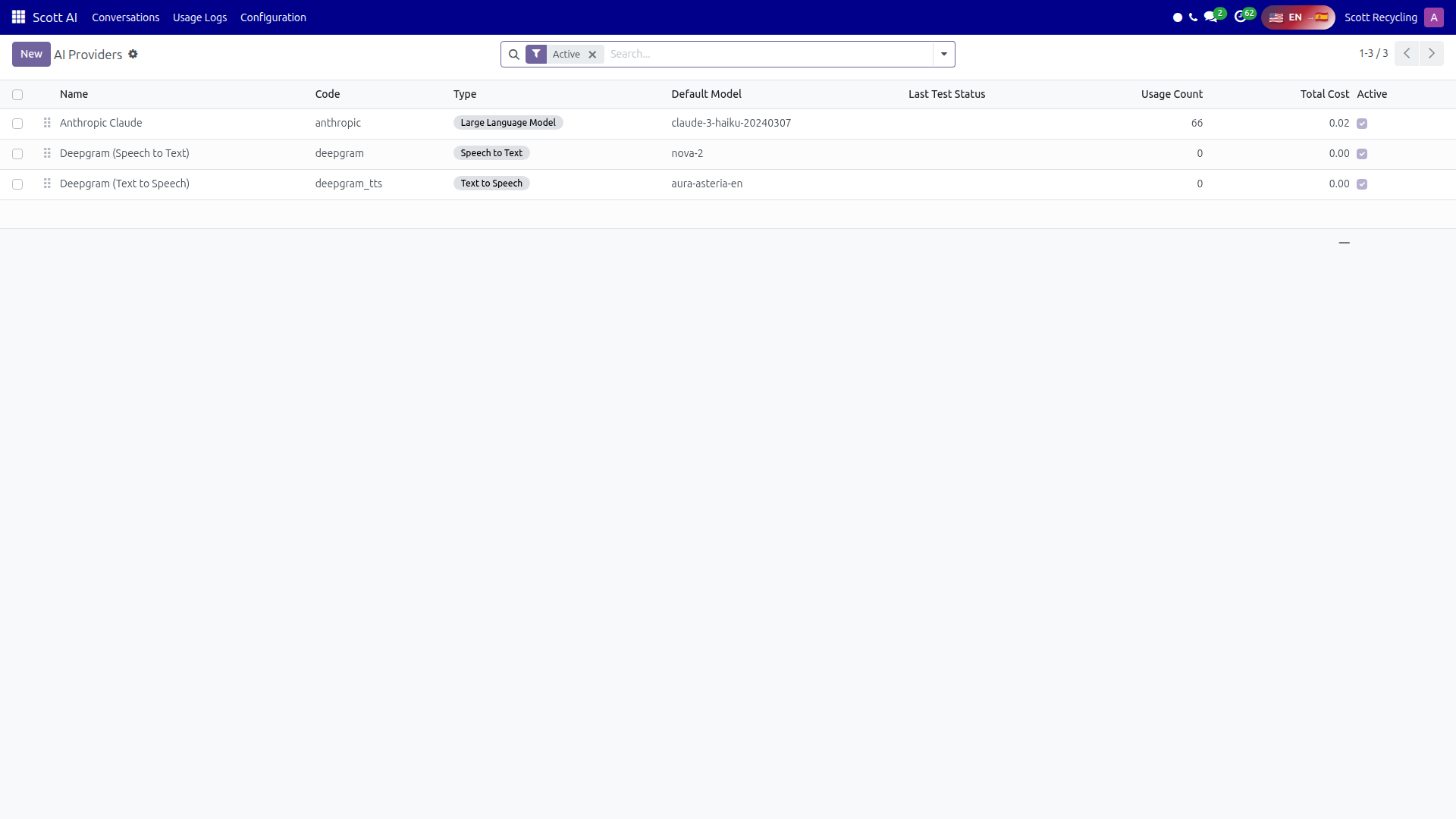 AI Providers configuration — manage API keys and service connections
Usage & Cost Tracking
Every API call made by any AI feature is automatically logged. This gives managers full visibility into how much AI is being used and what it costs.
| Field | Description |
|---|---|
| Provider | Which AI service was called (Claude, Deepgram, etc.) |
| Feature | Which feature triggered the call (Phone, Chat, Social) |
| Model | The specific model used (e.g., claude-sonnet-4-20250514) |
| Input Tokens | Number of tokens sent to the API |
| Output Tokens | Number of tokens received from the API |
| Cost | Calculated cost of the API call in USD |
| Response Time | How long the API took to respond (milliseconds) |
| Timestamp | When the call was made |
Navigate to Configuration > AI Usage Logs to view, filter, and export usage data. Group by provider, feature, or date to analyze spending patterns.
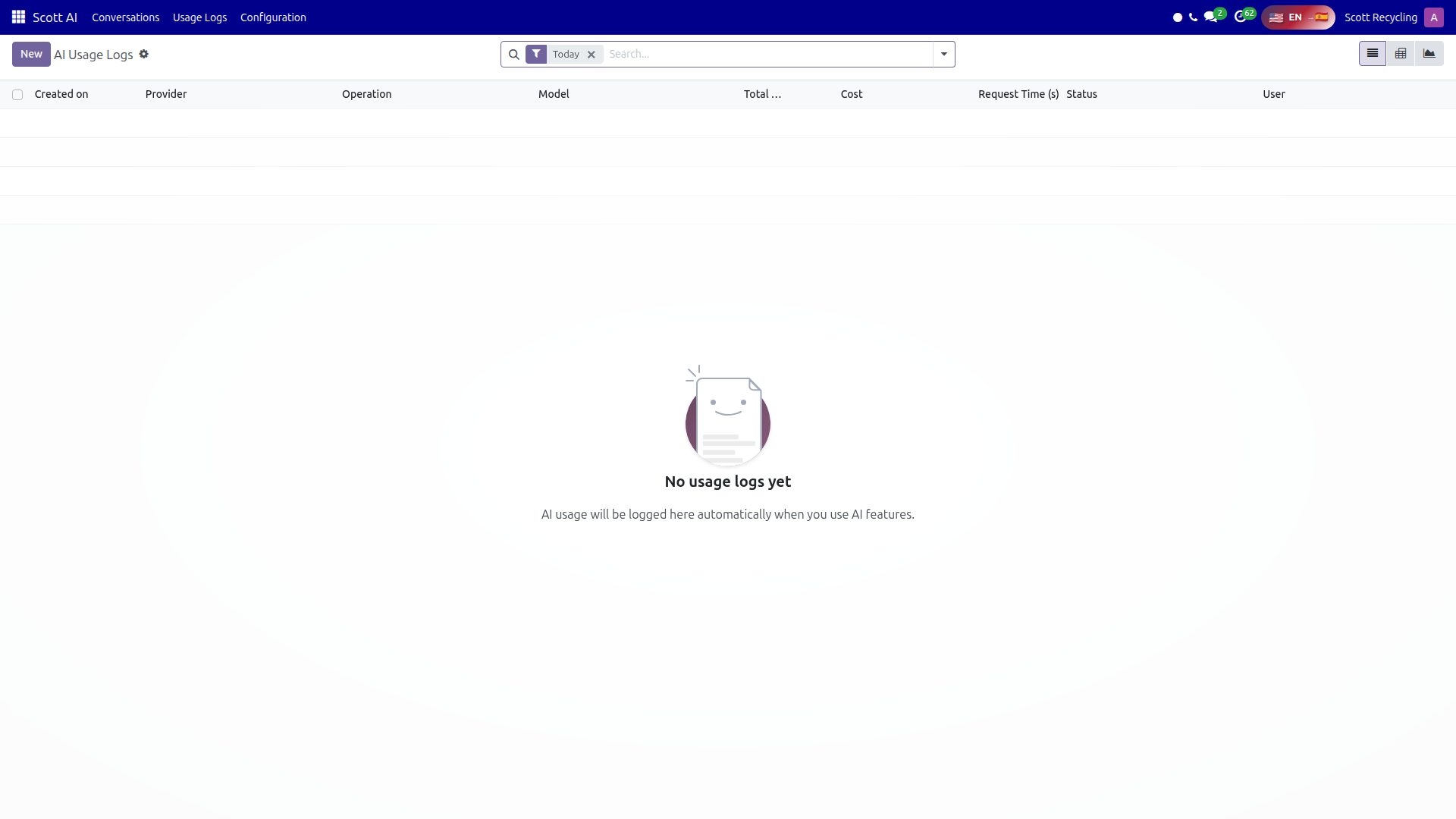 AI Usage Logs — every API call tracked with tokens, cost, and response time
Prompt Templates
Prompt templates are reusable text blocks with {variable} placeholders that power AI content generation across the platform. Instead of writing prompts from scratch each time, users select a template, fill in the variables, and generate content.
| Field | Description |
|---|---|
| Name | Descriptive name for the template |
| Category | Organizational grouping: CSR, Sales, CRM, SEO, Social, General, or custom |
| Prompt Text | The template body with {variable} placeholders (e.g., "Write a {tone} social media post about {topic} for {platform}") |
| Variables | List of placeholder names extracted from the prompt text |
| Active | Whether the template is available for use |
Templates are managed under Configuration > Prompt Templates. Categories help users find the right template quickly when generating content in the Social Media module or other features.
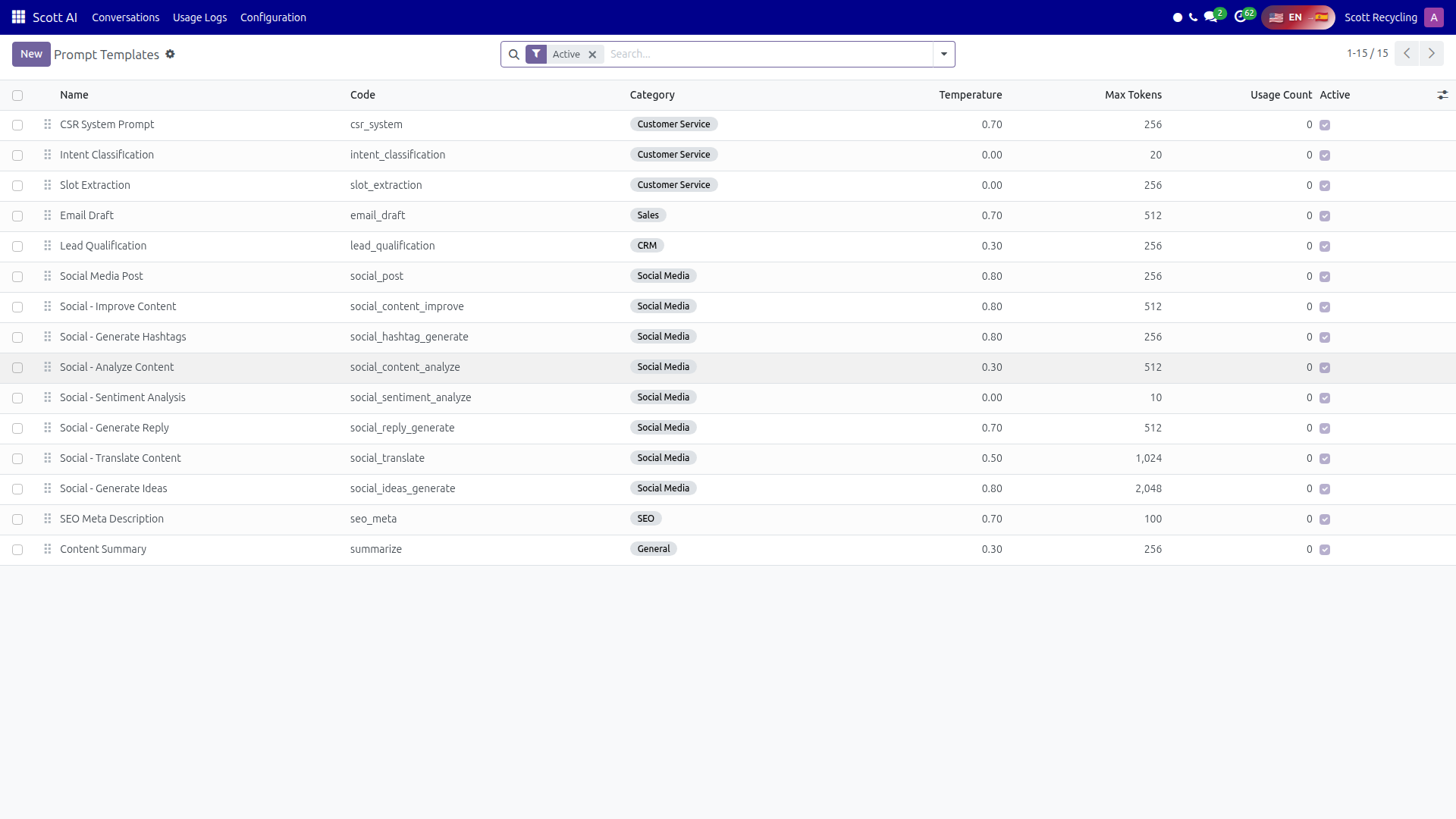 Prompt Templates — reusable templates with variable placeholders for content generation
Security Groups
Access to AI features is controlled by three security groups:
| Group | Permissions |
|---|---|
| AI User | Use AI features (generate content, view own usage) |
| AI Manager | All User permissions plus view all usage logs, manage prompt templates |
| AI Administrator | Full access including provider configuration, API keys, and system settings |
If you cannot see AI menu items, ask your manager to assign you the appropriate group.
Quick Start by Role
CSR Manager -- Start with the AI Phone System guide to learn how Sam handles incoming calls and how to monitor call quality.
Marketing / Social Media -- Go to the Social Media Management guide to set up accounts, generate AI content, and schedule posts.
Website Manager -- Read the Website Chat guide to understand the chat widget configuration.
Admin -- Review the provider and usage tracking sections above, then explore each feature guide for detailed configuration.
Questions? Contact your supervisor or refer to the Getting Started guide.