Transfer Location Dashboard
Last Updated: February 2026 Target Audience: Warehouse Staff, Inventory Coordinators
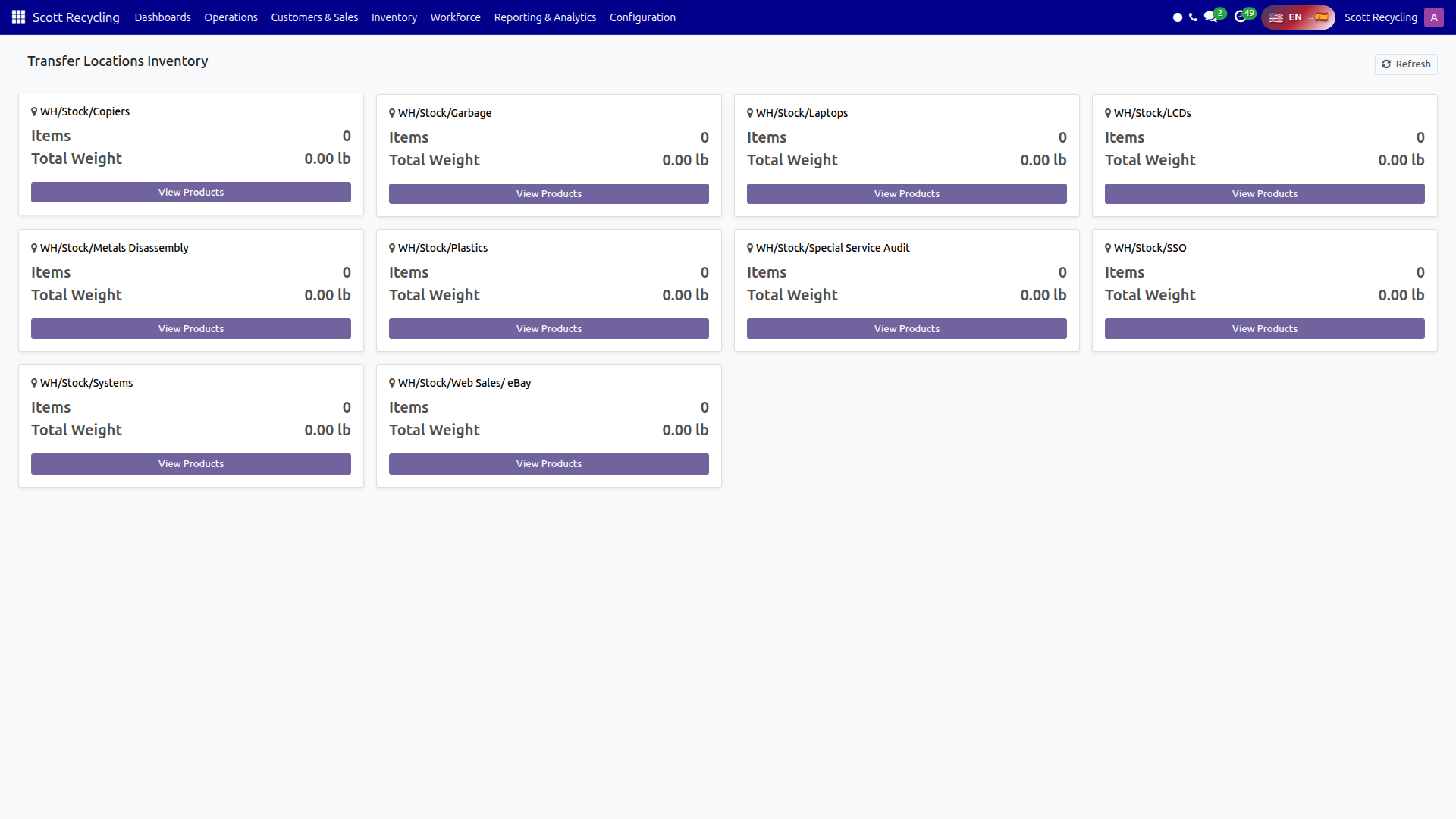
The Transfer Location Dashboard shows a card for each transfer location with a count of items and total weight currently staged there. Click into any location to see the full product list.
Navigation: Scott Recycling > Dashboards > Transfer Location Dashboard
Location Cards
Each transfer location with inventory in "transfer" status appears as a card in a responsive grid.
| Field | Description |
|---|---|
| Location Name | Name of the transfer location (with map-marker icon) |
| Items | Total number of inventory line items at this location |
| Total Weight | Sum of net weight in pounds (displayed to 2 decimal places) |
| View Products | Button to open the detail modal |
Cards only show locations that have active transfer inventory today. Empty locations are not displayed.
Product Detail Modal
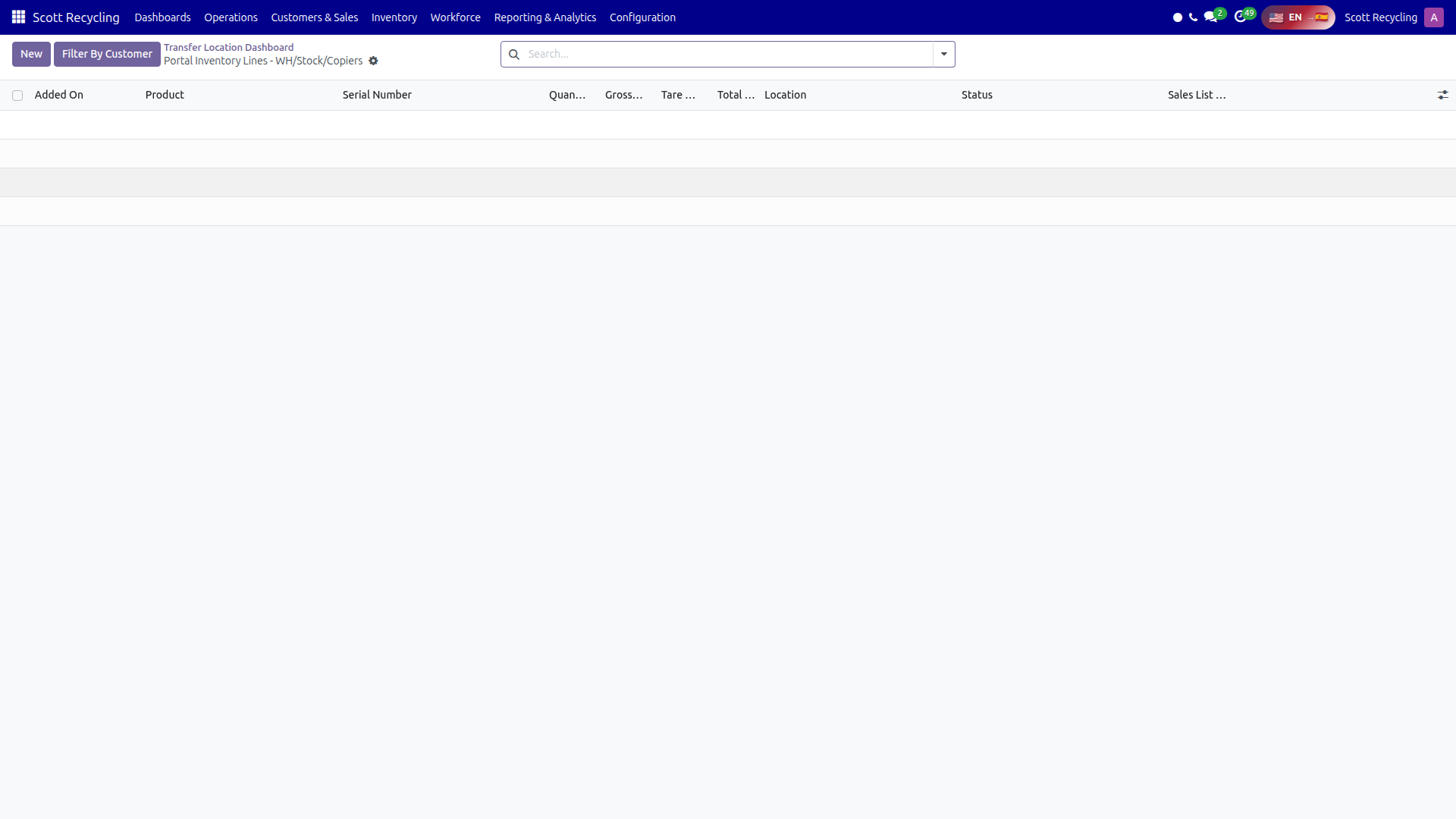
Click View Products on any card to open a modal with the full product table.
| Column | Description |
|---|---|
| Product | Product name |
| Qty | Quantity |
| Net Weight | Weight in pounds |
| Status | Badge showing the current inventory status (e.g., "transfer") |
| Serial | Serial number if assigned, or "-" if none |
Click the X button or click outside the modal to close it.
Refresh
Click the Refresh button in the dashboard header to reload all location data. The dashboard shows a loading spinner while data is being fetched.
Common Tasks
Check what's at a transfer location
- Open the Transfer Location Dashboard.
- Find the location card you need.
- Click View Products to see every item, its weight, and serial number.
Verify total weight before shipping
- Locate the destination transfer location card.
- Note the Total Weight displayed on the card.
- Click View Products if you need the breakdown by item.
Troubleshooting
| Issue | Solution |
|---|---|
| A location is missing | The location only appears if it has items in "transfer" status today. If inventory was moved or processed, the card disappears. |
| Weight shows 0.00 lb | The items at that location may not have net weight recorded yet. |
| "No products at this location" in modal | The inventory was likely processed between the card loading and opening the modal. Click Refresh. |