AI Phone System (Sam)
Overview
The AI Phone System is Scott Recycling's automated call handling solution powered by the AI assistant "Sam." Built on the scott_ai_csr module, Sam answers incoming phone calls via Asterisk/Sangoma integration, identifies callers by matching phone numbers against contacts, detects what the caller needs, extracts structured data from the conversation, creates pickup requests, and can transfer calls to human agents when needed.
All phone system activity is managed under CSR Phone in the main menu.
Last Updated: February 2026 Target Audience: CSR Managers, Admins
Navigation
The CSR Phone menu contains four sections:
| Menu Item | What It Shows |
|---|---|
| Active Calls | Calls currently in progress (ringing or connected) |
| Phone Calls | Complete history of all calls handled by the system |
| Pickup Requests | Pickup requests created from phone conversations |
| Pickup Schedule | Calendar view of scheduled pickups from phone requests |
Phone Calls
List View
The Phone Calls list shows all calls with the following columns:
| Column | Description |
|---|---|
| Call ID | Unique identifier for the call |
| Phone Number | Caller's phone number |
| Caller | Name provided by the caller or identified from caller ID |
| Contact | Matched Odoo contact record (if found) |
| Intent | What the caller was trying to do (detected by AI) |
| Status | Current call status (Ringing, Active, Completed, Transferred, Abandoned) |
| Duration | Total call length |
| Outcome | Final result of the call |
Click any row to open the full call detail form.
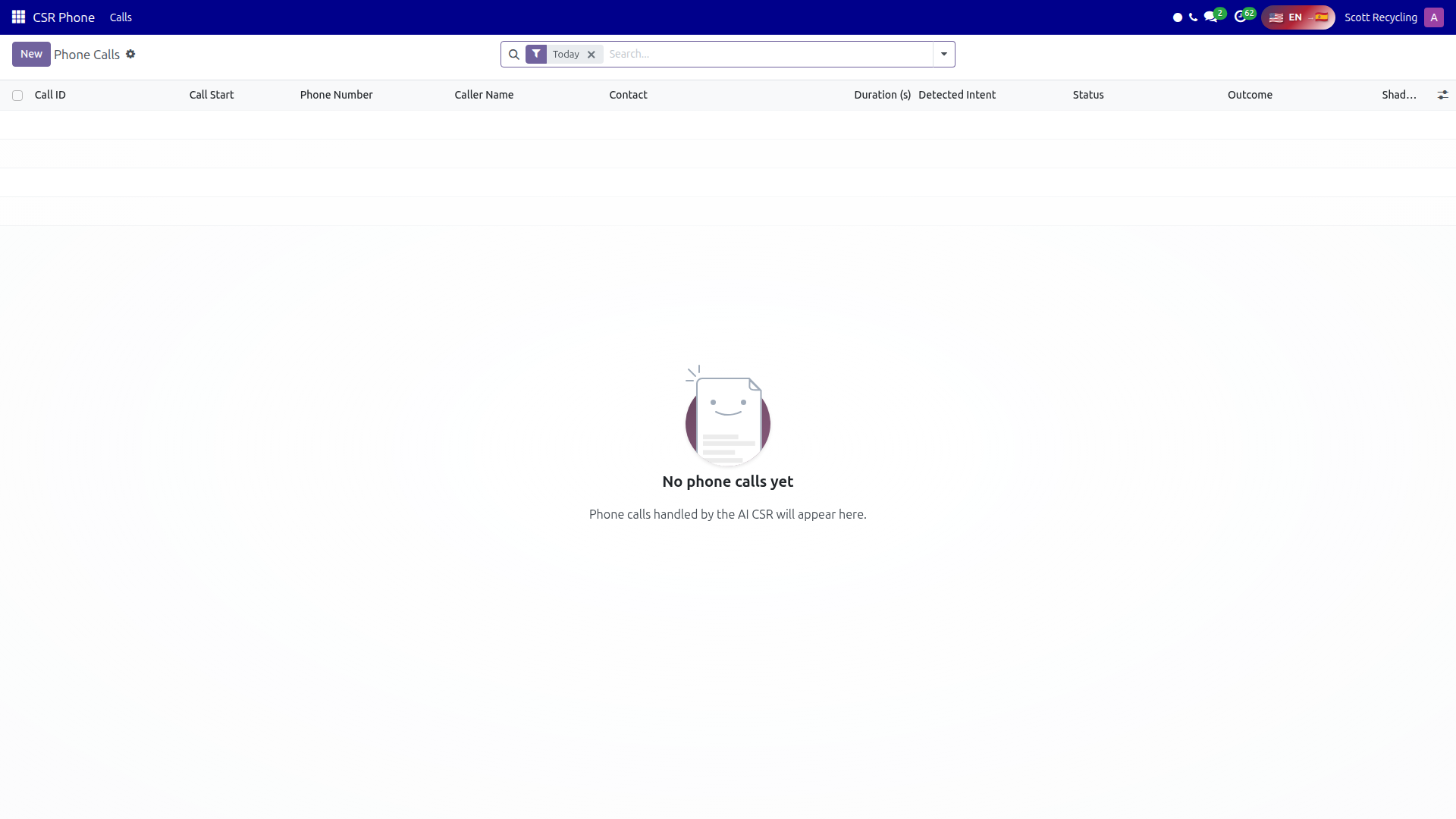 Phone Calls list — all calls handled by the AI phone system with status, intent, and duration
Call Detail Form
The call detail form shows everything about a single call:
Status Workflow
Calls progress through these statuses:
| Status | Meaning |
|---|---|
| Ringing | Incoming call detected, Sam is connecting |
| Active | Call is in progress, Sam is speaking with the caller |
| Completed | Call ended normally after Sam resolved the caller's request |
| Transferred | Call was handed off to a human agent |
| Abandoned | Caller hung up before the call was resolved |
Call Information Fields
| Field | Description |
|---|---|
| Phone Number | The caller's number |
| Contact | Linked Odoo contact (auto-matched by phone number) |
| Detected Intent | The AI-classified intent of the call (see Intent Detection below) |
| Conversation Transcript | Full text transcript of the conversation between Sam and the caller |
| Extracted Slots | Structured JSON data extracted from the conversation (e.g., address, material types, preferred date) |
| Recording | Audio recording of the call (if available) |
| Duration | Call length in minutes and seconds |
| Outcome | Final call outcome (see Call Outcomes below) |
Shadow Monitoring Fields
| Field | Description |
|---|---|
| Shadow User | Human agent currently monitoring this call |
| Shadow Active | Whether shadow monitoring is currently enabled |
| Shadow Notes | Notes added by the monitoring agent |
Call Outcomes
Every completed call receives one of the following outcomes:
| Outcome | Meaning |
|---|---|
| Resolved | Sam fully handled the caller's request without human intervention |
| Pickup Scheduled | A pickup request was created from the conversation |
| Transferred to Human | The call was handed off to a human agent |
| Callback Requested | The caller asked to be called back at a later time |
| Abandoned | The caller disconnected before the request was resolved |
| Failed | A system error prevented the call from being handled |
Intent Detection
Sam automatically classifies each call into one of the following intents based on the conversation:
| Intent | Description |
|---|---|
| schedule_pickup | Caller wants to schedule an e-waste pickup |
| check_materials | Caller is asking what materials Scott Recycling accepts |
| get_directions | Caller wants directions to a Scott Recycling facility |
| request_certificate | Caller needs a recycling certificate or documentation |
| check_status | Caller is checking the status of an existing pickup or service |
| speak_to_human | Caller explicitly requests a human agent |
| general_question | Catch-all for other inquiries |
Intent detection happens in real time during the conversation. Sam uses the detected intent to guide the conversation flow, ask relevant follow-up questions, and extract the right data fields.
Pickup Requests
When Sam identifies that a caller wants to schedule a pickup, it creates a Pickup Request record with the information extracted from the conversation.
List and Calendar Views
Pickup requests can be viewed in list or calendar format. The calendar view shows requests by their preferred pickup date, making it easy to see upcoming scheduling demand.
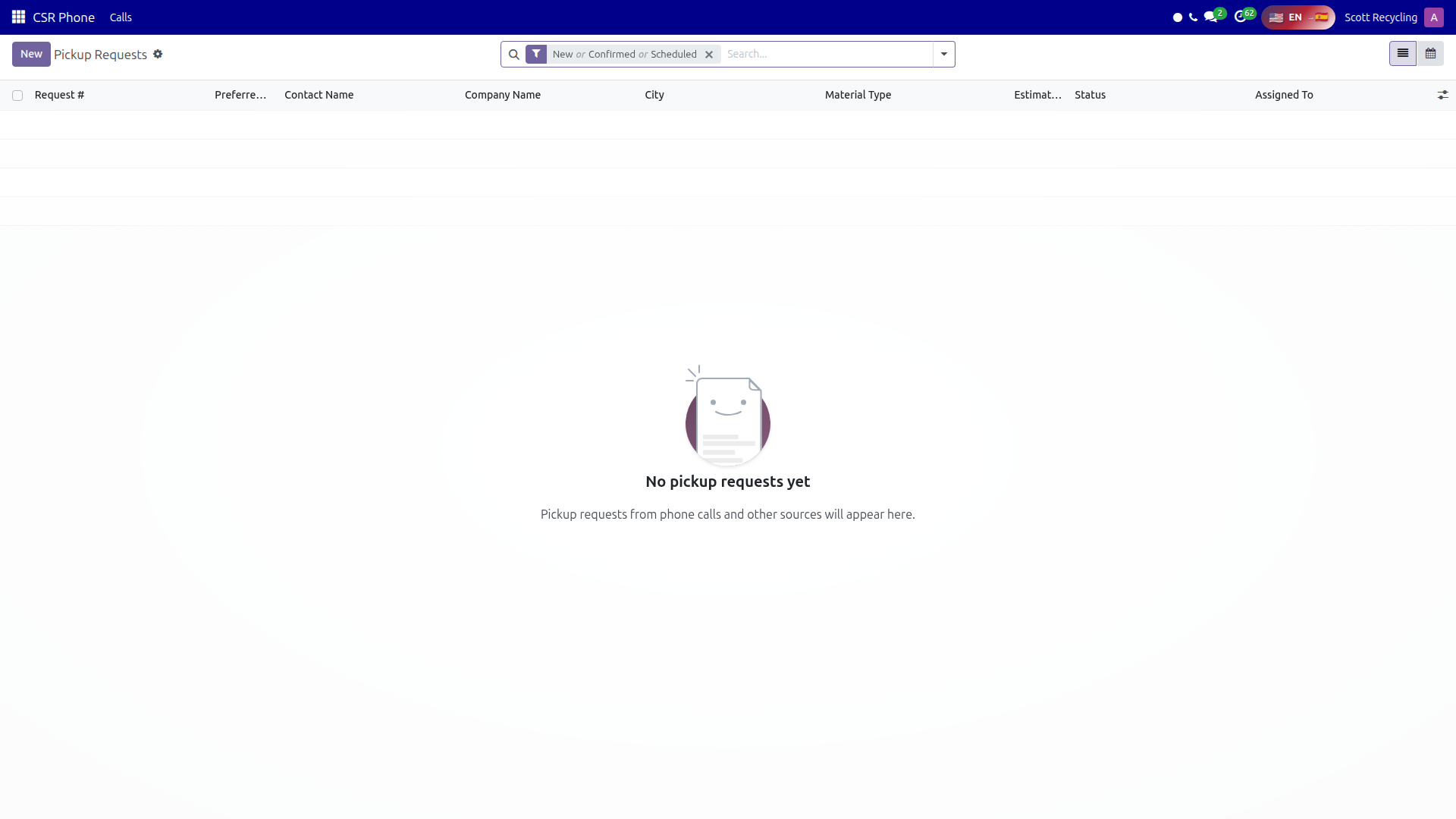 Pickup Requests — pickup requests created automatically from AI phone conversations
Pickup Request Fields
| Field | Description |
|---|---|
| Contact | The matched or newly created contact |
| Phone Number | Caller's phone number |
| Address | Pickup location extracted from conversation |
| Material Types | Types of e-waste the caller described |
| Preferred Date | When the caller wants the pickup |
| Preferred Time | Time of day preference (morning, afternoon, etc.) |
| Data Destruction | Whether the caller requires data destruction services |
| Certificate Required | Whether a certificate of recycling is needed |
| Notes | Additional details from the conversation |
| Status | Current status of the request |
| Assigned To | CSR or dispatcher responsible for scheduling |
Pickup Request Status Workflow
| Status | Meaning |
|---|---|
| New | Request just created by Sam, needs human review |
| Confirmed | CSR has verified the details with the customer |
| Scheduled | Pickup has been added to the truck schedule |
| In Progress | Pickup is being executed |
| Completed | Pickup finished successfully |
Transfer Wizard
When Sam determines that a call needs human intervention -- or the caller asks to speak with a person -- Sam can transfer the call. Managers can also manually initiate transfers from the call detail form.
The Transfer Wizard includes:
| Field | Description |
|---|---|
| Transfer To | Select a specific user, call queue, or external phone number |
| Reason | Why the call is being transferred (e.g., complex request, caller preference, escalation) |
| Notes | Context for the receiving agent about the conversation so far |
The receiving agent sees the conversation transcript and extracted data so the caller does not have to repeat information.
Shadow Mode
Shadow mode lets a human agent silently monitor a live AI call without the caller hearing them. This is used for quality assurance and training.
- Go to CSR Phone > Active Calls
- Find the call you want to monitor
- Click Shadow to join the call in listen-only mode
- Add notes in the Shadow Notes field as the call progresses
- Optionally, take over the call by clicking Take Over if intervention is needed
Shadow sessions are logged for review, including which agent monitored and any notes they added.
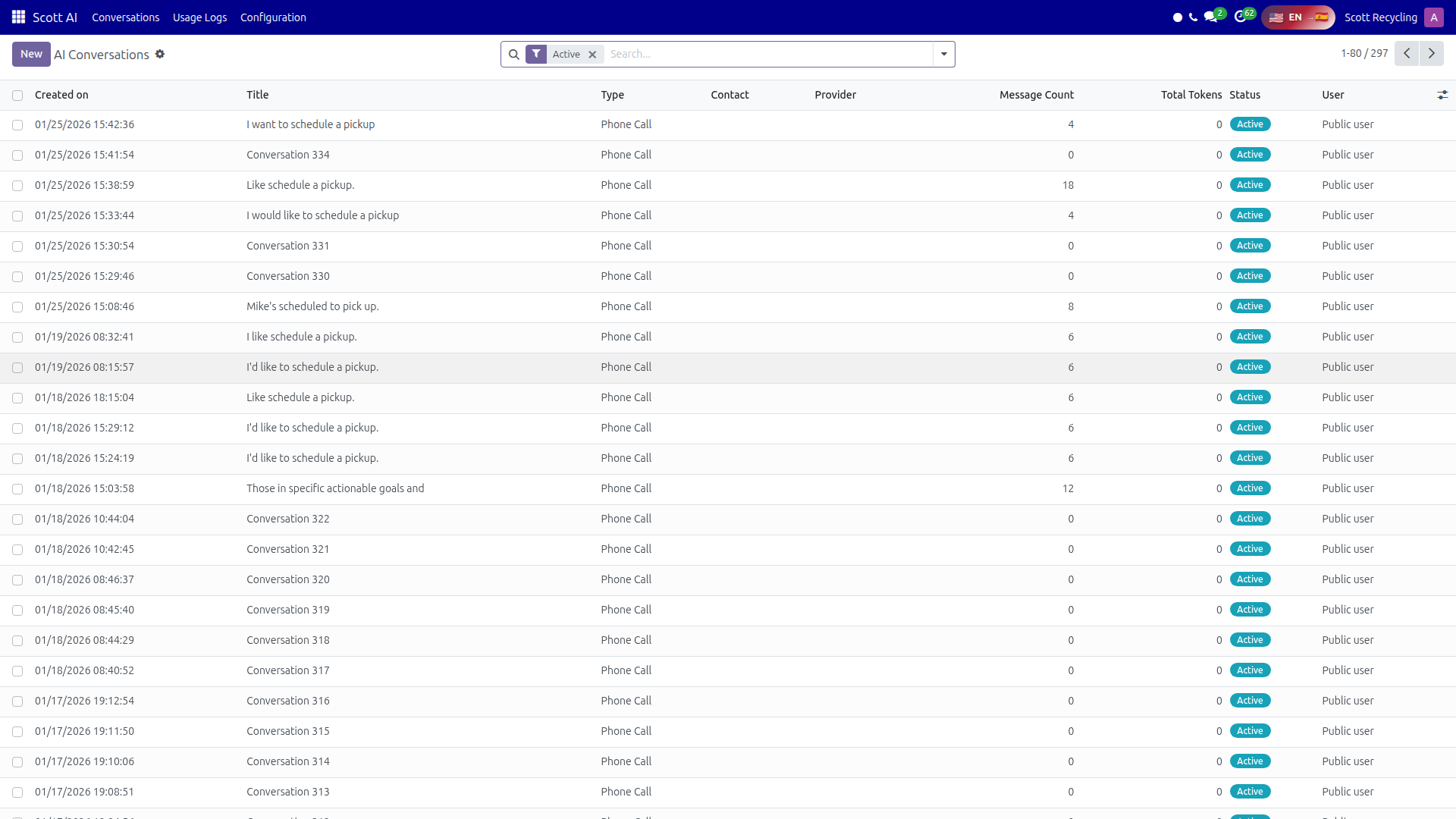 AI Conversations — full transcripts of Sam's phone interactions with callers
Common Tasks
Viewing Active Calls
- Navigate to CSR Phone > Active Calls
- The list shows all calls currently ringing or in progress
- Each row shows caller number, matched contact, current status, and duration
- Click a row to see the live transcript and extracted data
Reviewing Pickup Requests
- Navigate to CSR Phone > Pickup Requests
- Filter by status to find New requests that need review
- Open a request to see the extracted details and conversation transcript
- Verify the information, update any fields, and change status to Confirmed
- Assign the request to a dispatcher for scheduling
Scheduling from a Pickup Request
- Open a Confirmed pickup request
- Review the preferred date, material types, and location
- Use the information to create a pickup through the standard Scheduling a Pickup workflow
- Update the pickup request status to Scheduled
Transferring a Call
- Open an active call from CSR Phone > Active Calls
- Click Transfer
- Select the transfer target (user, queue, or external number)
- Enter the reason and any notes for the receiving agent
- Click Confirm Transfer -- the call is handed off immediately
Tips
Review new pickup requests every morning
Sam creates pickup requests around the clock. Check CSR Phone > Pickup Requests filtered to New status first thing each morning to process overnight requests promptly.
Use shadow mode for quality assurance
Periodically shadow live calls to evaluate how Sam handles different scenarios. This helps identify conversation patterns that could be improved and ensures customers are getting accurate information.
Check the transcript before calling back
When following up on a pickup request, read the full conversation transcript first. The caller already provided details to Sam -- referencing them shows the customer their time was valued and avoids asking the same questions twice.
Monitor call outcomes weekly
Review the Phone Calls list grouped by Outcome to spot trends. A rising number of transfers or abandoned calls may indicate conversation flows that need tuning.
Questions? Contact your supervisor or refer to the AI & Automation overview.